Reborn



Learning outcome
output
phone Interaction model
Domain
digital assets protocol
year
2023-2024
Managing presence
post-termination



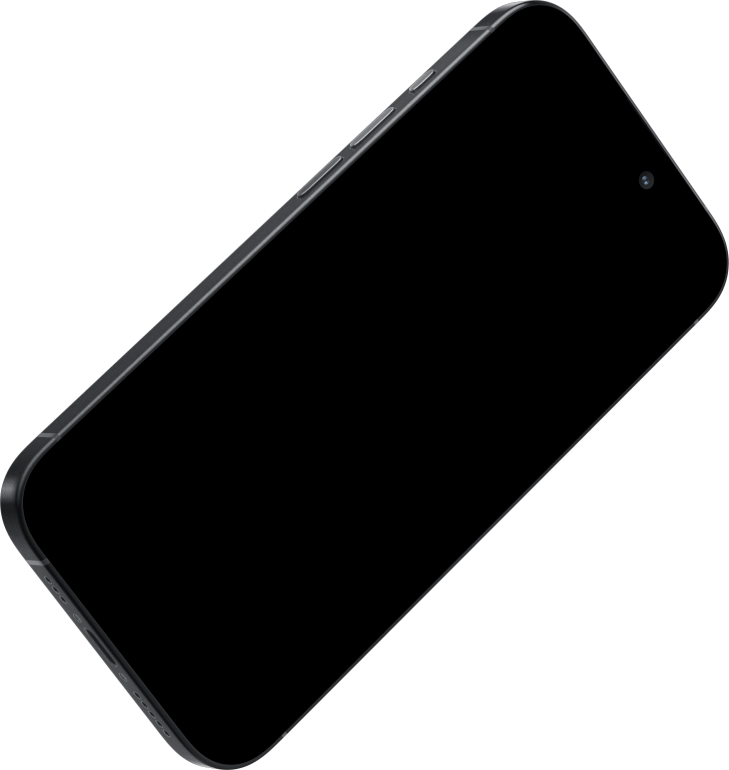

R
E
B
O
R
N
role
UI/UX designer
researcher
Prototyper
Team
personal project
duration
14 weeks
overview

How Do You Think About Digital Afterlife?
In the era of big data, Internet users are increasingly concerned about the personal information they keep on Internet, that is, their virtual property, and how to deal with these digital legacies after their death.
death is not very familiar to me because no one would just talks about death randomly.
Person 1
i think that the body death is when you stop breathing, but your real death is when nobody remembers you.
Person 2
i wish i could destroy all the words i said online.
Person 3
when i think of the memories when we were together, it made me feel super sad.
Person 4
I afraid that my family/friend did not see my will.
Person 5

while people sorting out their legacies, most of the them does not have a sense of managing their virtual heritage, but for the modern, internet-dependent youth, it's important that people know how their virtual legacy will be distributed after death, like social accounts, NFTs, and posted photos.
Reborn will help users plan and manage their digital legacy accurately and in detail after their death.
Design Concept
A cohesive ecosystem for your digital afterlife.
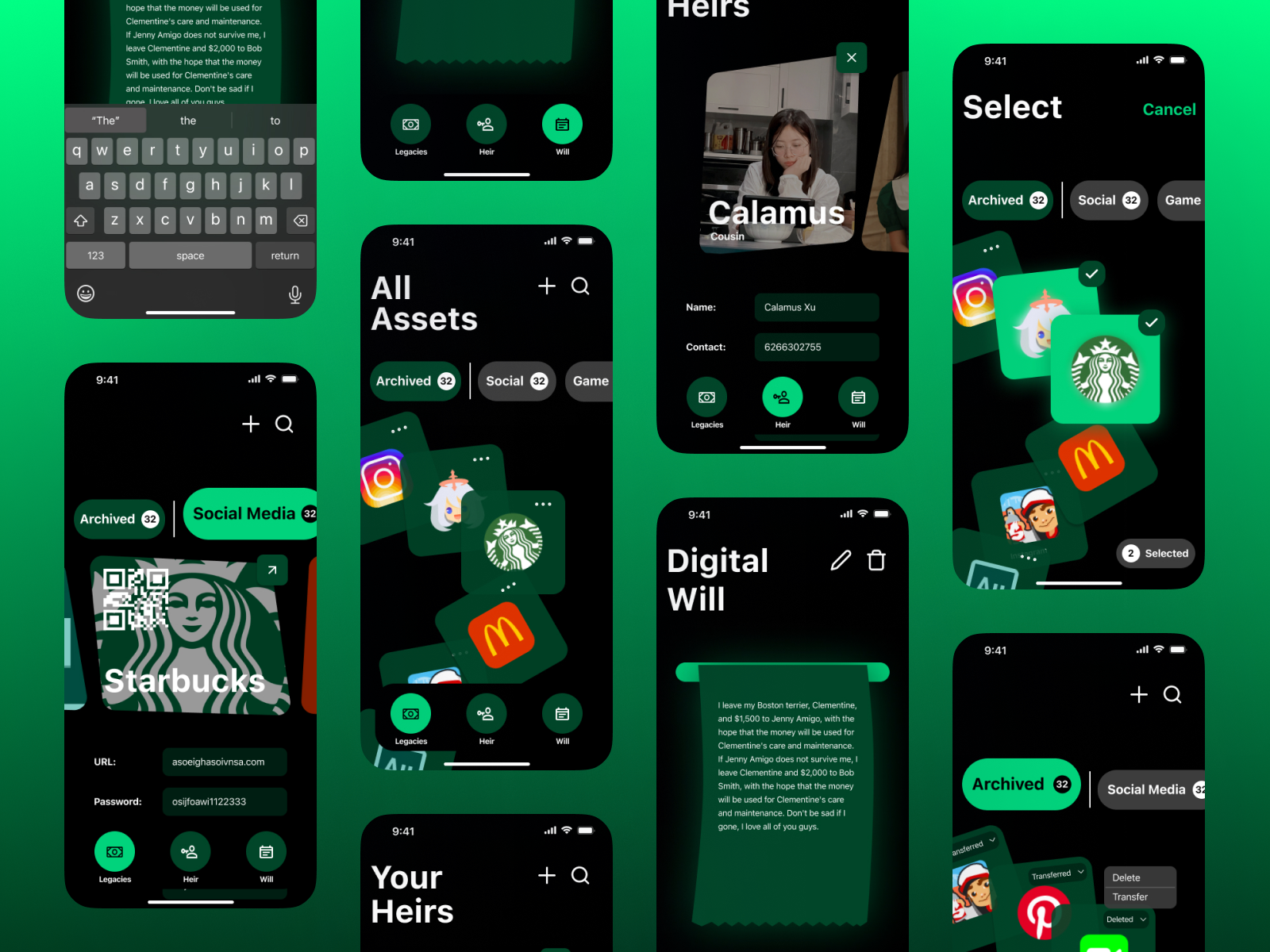
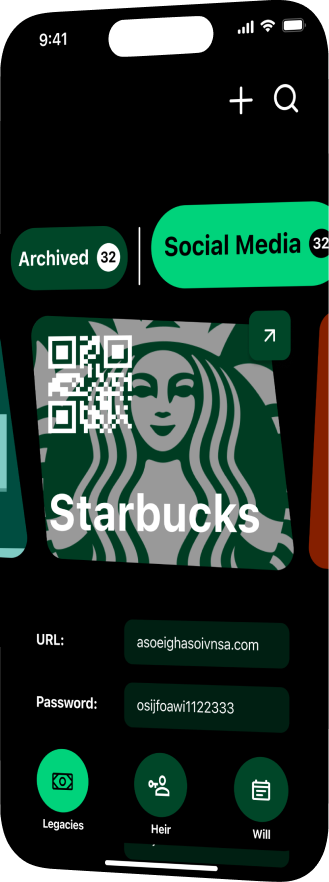
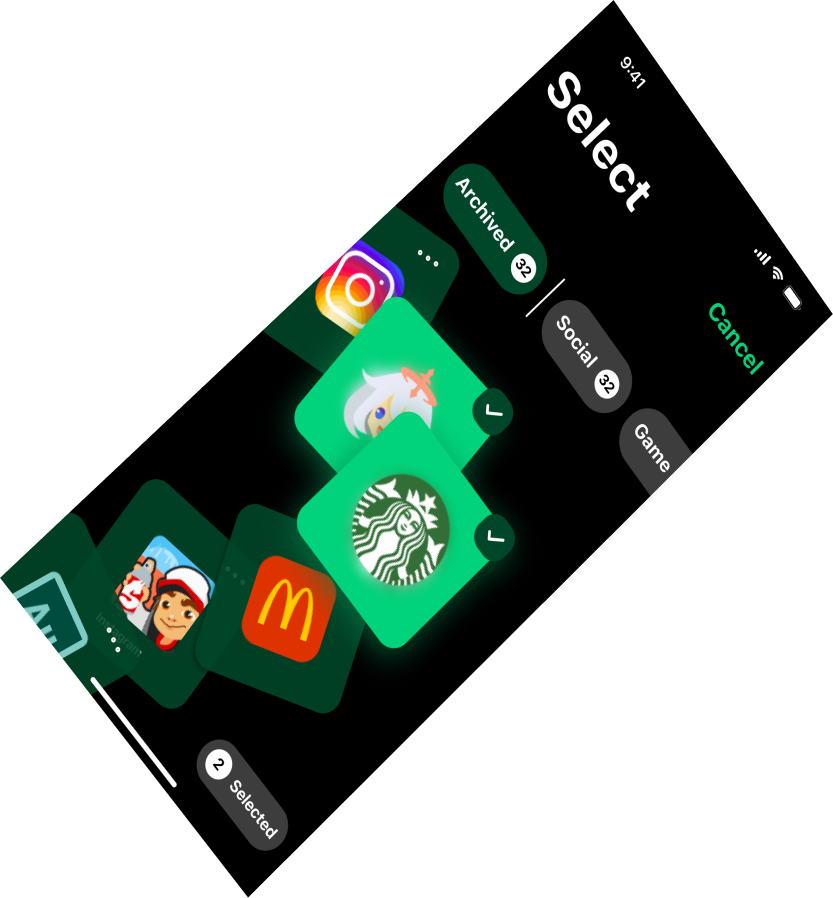
Reborn is a legacy portfolio that allows users to securely and autonomously manage their digital legacy after death.
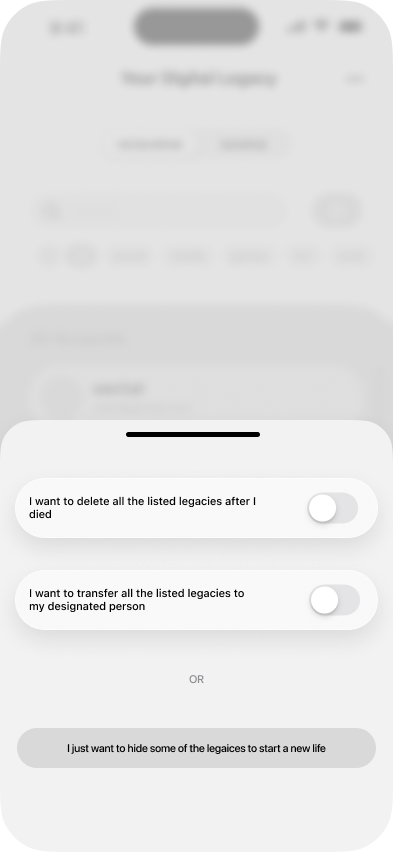
By listing their online assets, they can decide in advance to delete their digital legacy after death, or transfer the legacy to a designated person.
REBORN PLATFORM
Features
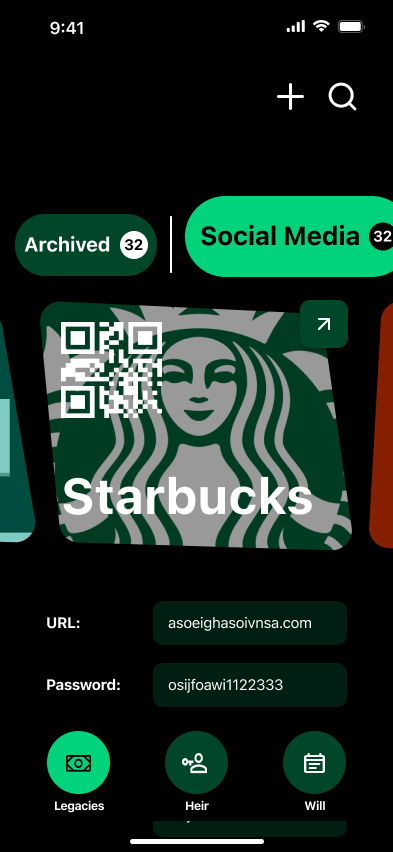
FEATURE_01
[CONTROL]
Legacy Portfolio
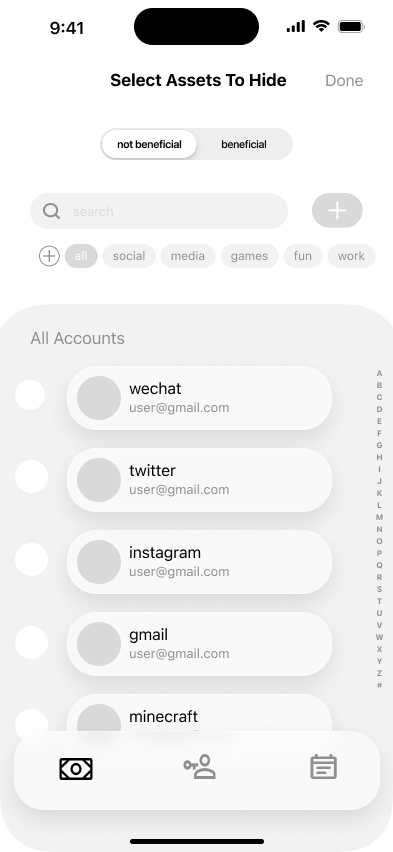
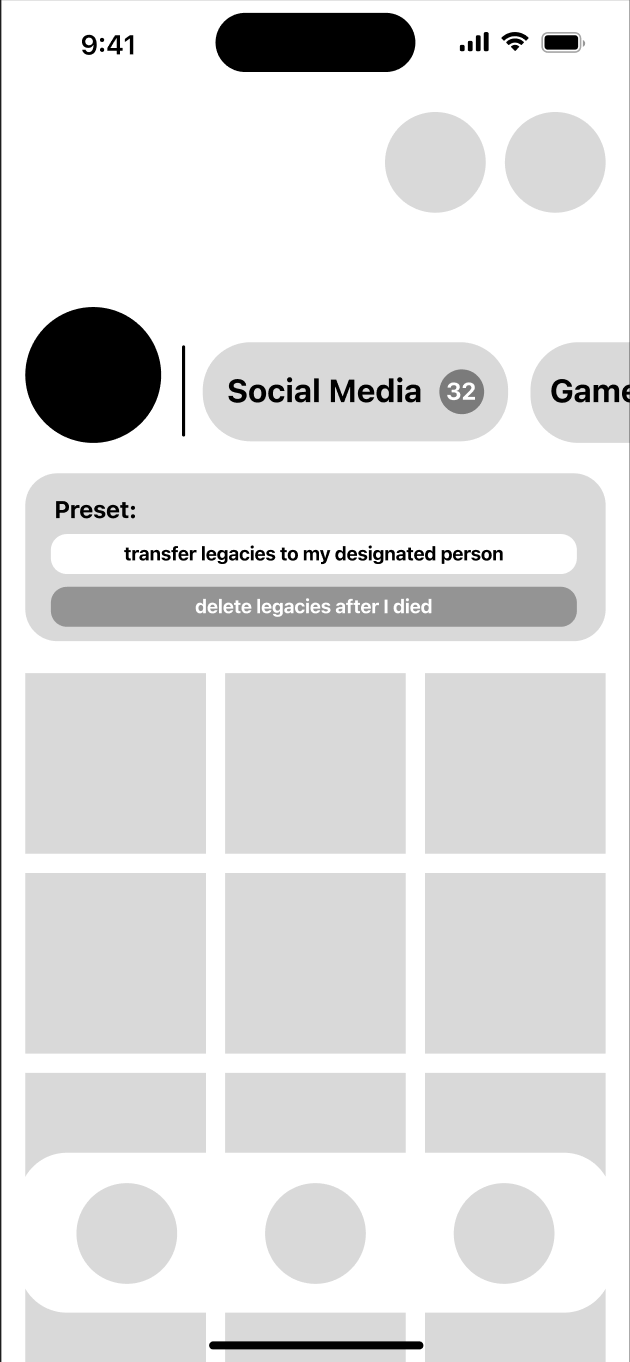
User can control what they want to be destroyed and what they want to transferred by put together a legacy portfolio.
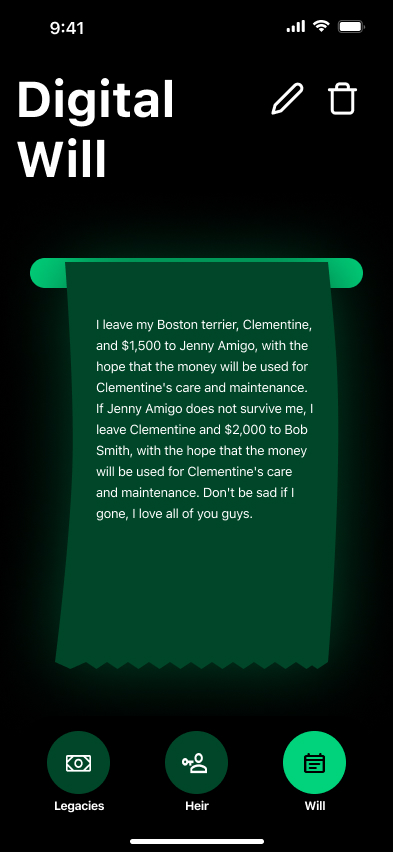
FEATURE_02
[PRESET]
After Death Preset
Allow user to present some operations that will active after death.
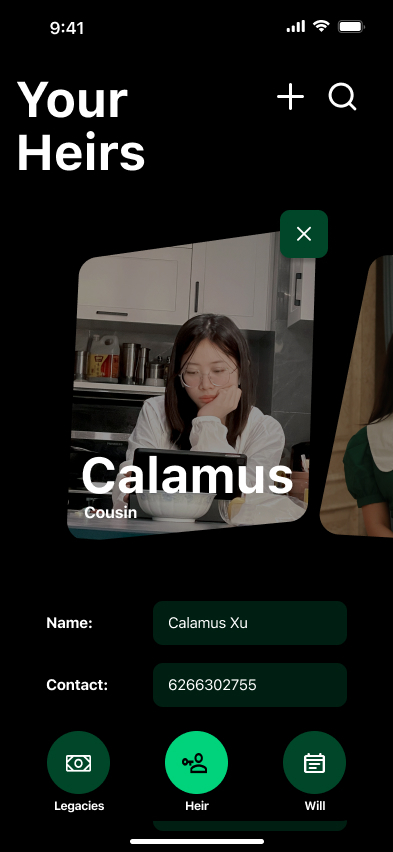
FEATURE_03
[TRUST]
Designate Person
Designate a trusted confidant and transform digital legacies after death.
FEATURE_04
[ACTIVATE]
Death Mode
Activate "death mode" after user died to start running user's operations.
FEATURE_01
Legacy Portfolio
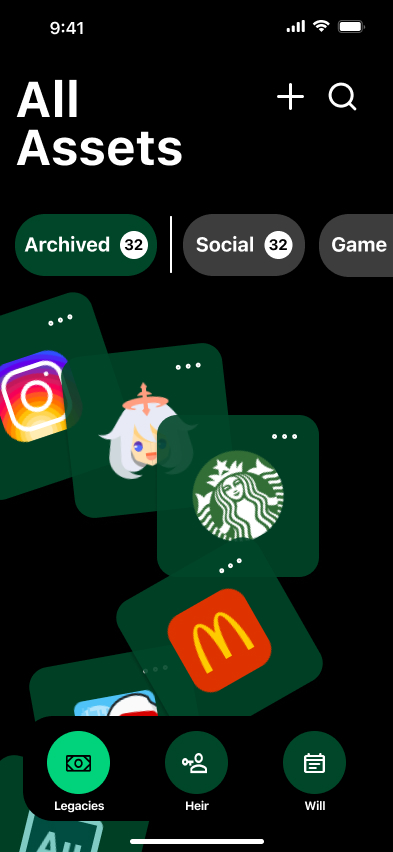
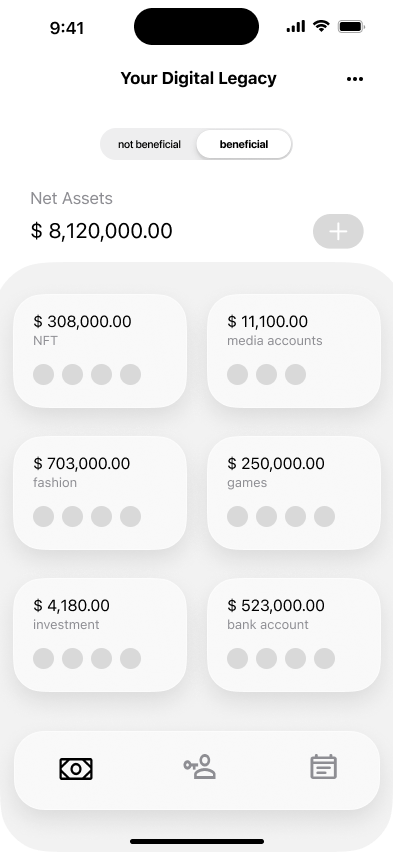
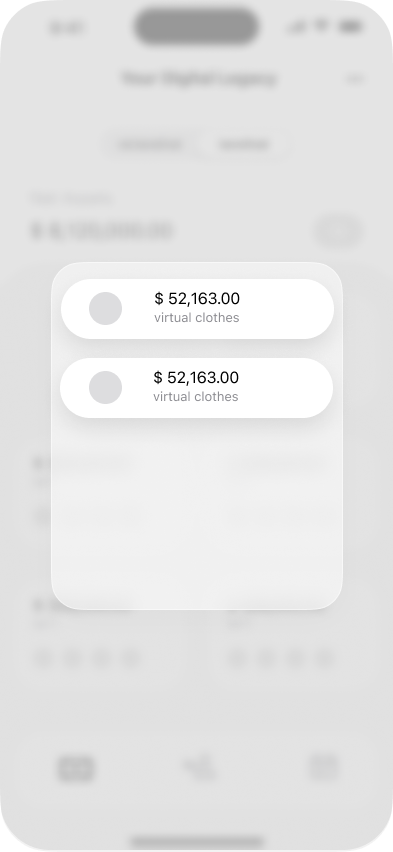
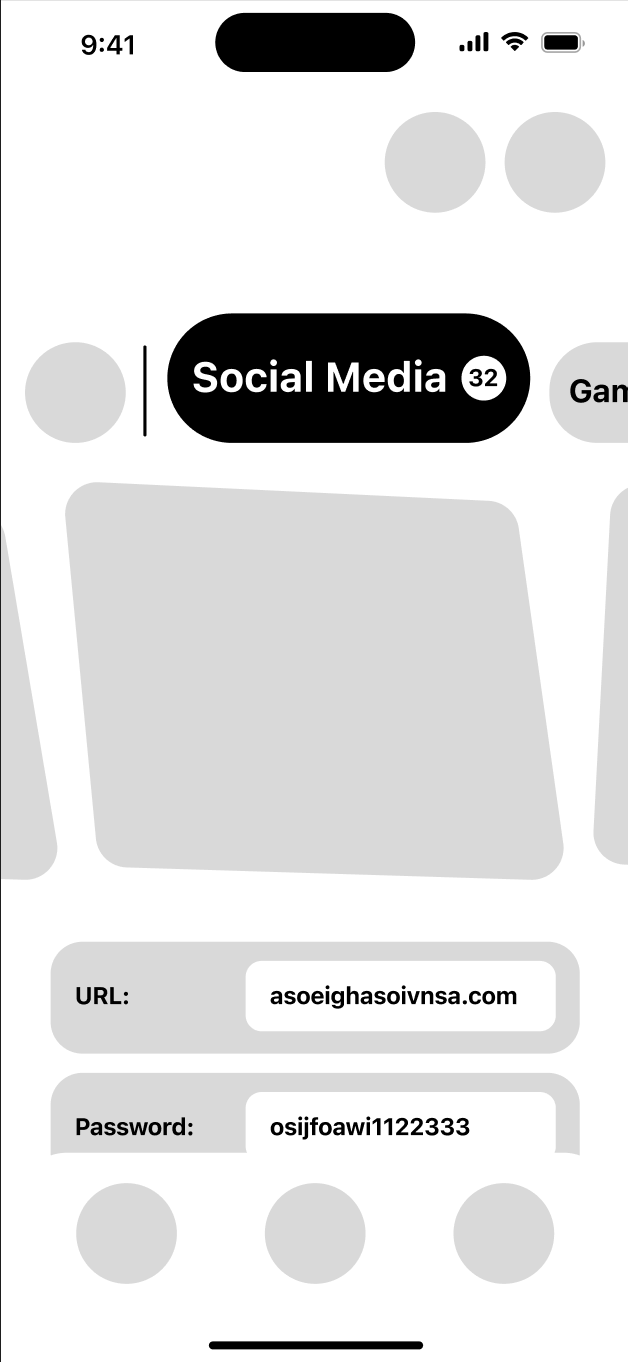
The legacy portfolio is a place where users can store their virtual legacy together. I have designed two storage forums, one for spiritual legacy and one for material legacy.
FEATURE_02
Designated Person
Designate Person allows users to assign a trusted individual who will manage their digital legacy when the time comes. Through this feature, users can clearly designate who receives, preserves, transfers, or removes specific online assets such as accounts, documents, or creative work. By defining permissions and intended actions in advance, the system ensures that digital belongings are handled according to the user’s wishes rather than left uncertain.
FEATURE_03
Death Mode
Death Mode activates after a user’s passing to automatically execute the actions they defined in advance. Once verified, the system begins carrying out the user’s pre-planned instructions, such as transferring digital assets, sending messages, archiving memories, or deleting accounts. This feature ensures that a person’s digital presence is handled exactly according to their intentions, reducing uncertainty and emotional burden for loved ones.
Research
REBORN PLATFORM
user journey map
AFTER DEATH
INITIAL PHASE
AFTER CONFORMATION
PROCESSING PHASE
DIGITAL HERITAGE CONTACT
RESOLUTION PHASE

CHALLENGE
did not put digital inheritance in the will
DISCOVERY
relatives found out that you were dead
CONSEQUENCE
the data will be sealed
EMOTION
relatives is craving when they first heard the news.
OPPORTUNITY
allow user to input what they want people to inherit after they died.
PRIORITY
relatives will deal with physical heritage first
TIME PASSAGE
after a period of time
REALIZATION
relatives realized that user have digital heritage.
EMOTIONAL STATE
relatives have unstable emotion and have to process all the heritage.
SOLUTION
notice heir that the user have digital heritage
CONDITION
if the user set a contact person for the digital account.
PROCESS
contact person will handle requesting data from cloud.
LIMITATION
contact person does not have control of his data
CONFUSION
relatives unfamiliar with the system so they feels bewildered
PRIVACY CONCERN
relatives found some data that users do not want exposed
ACCESSIBILITY
consider the age range, provide paper resource list for digital heritage.
CONTROL
give user absolute control of how much data can the heir visit
RESEARCH_DATA
Insights


PERCEPTION
people claim that The real death is when everyone forgets about you
01


CHALLENGE
The will note cannot be found on time
02

EMOTION
The memories left behind after the death of a loved one become negative and sad emotions
03


VALUE
the money in digital form should be inheritanced
04


SOCIAL BARRIER
Unable to discuss death positively, feeling that death is a bad omen.
05


MOTIVATION
Wanting to leave a trace of being alive or existing after death
06


INTENT
People generally have a strong desire to distribute their digital legacy
07


GAP
Most people are not aware of preparing for digital inheritance
08
8
Key Findings
4
Categories
100%
User Validated
Designed for Digital natives

Digitally active individuals who want to plan how their online assets and digital legacy will be distributed.
People who wish to consciously manage or reset their digital presence.
Individuals approaching end-of-life planning who want clarity and control over their digital belongings.
Establishing user
Persona

THE LEGACY PLANNER
Maria James
Age 36
Female
retirees
$220,000
As a highly paid person and someone who loves to keep a trail on the internet, I want to be able to delete things I don't want people to see when I die, while also keeping some things I want to leave to my family.
System Compatibility
92%
Neural Stability
88%
High Priority
Active User

THE DIGITAL CURATOR
Brooklyn Simmons
Age 32
Male
Musician
Do not have kids
As a wealthy and very well known video blogger, I want to inherit and properly safe my data that after my death everyone can see that I existed in all its glory.
System Compatibility
95%
Neural Stability
91%
High Priority
Active User

THE GUARDIAN
Tina Warren
Age 34
Female
Have cancer
ill
As a cancer patient who is about to die, Tina have imagined countless times of what will happen after I die. I sincerely hope that all traces of me will be destroyed after I die, so my parents and friends will not be so sad for me.
System Compatibility
86%
Neural Stability
79%
High Priority
Active User
3
Primary Personas
89%
Avg Compatibility
100%
Coverage Rate
Ideation
Stage 1
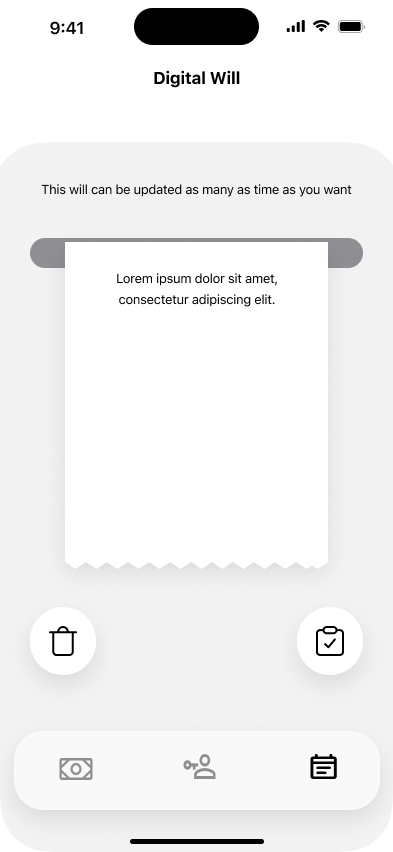
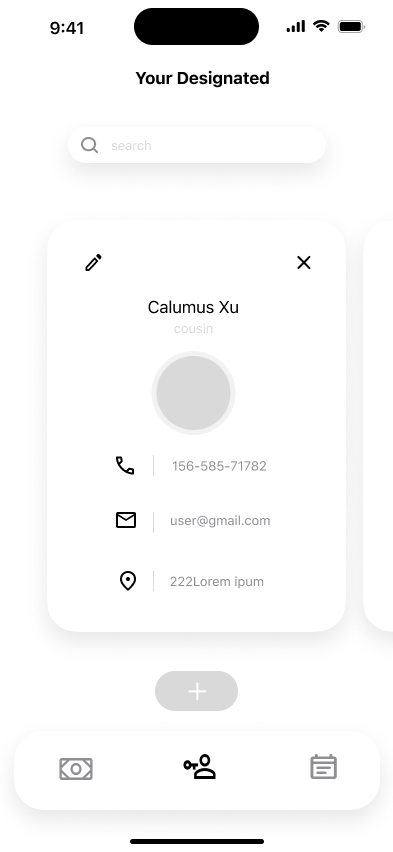
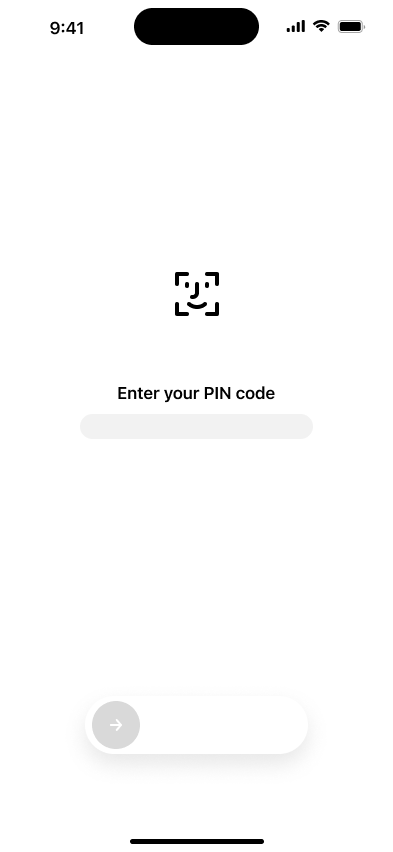
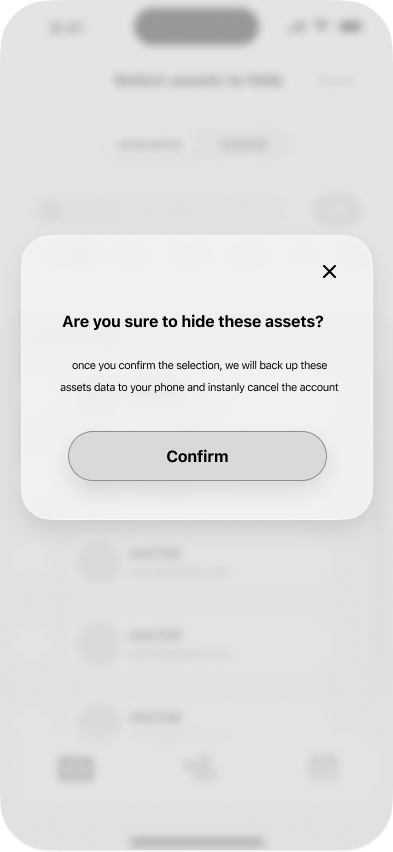
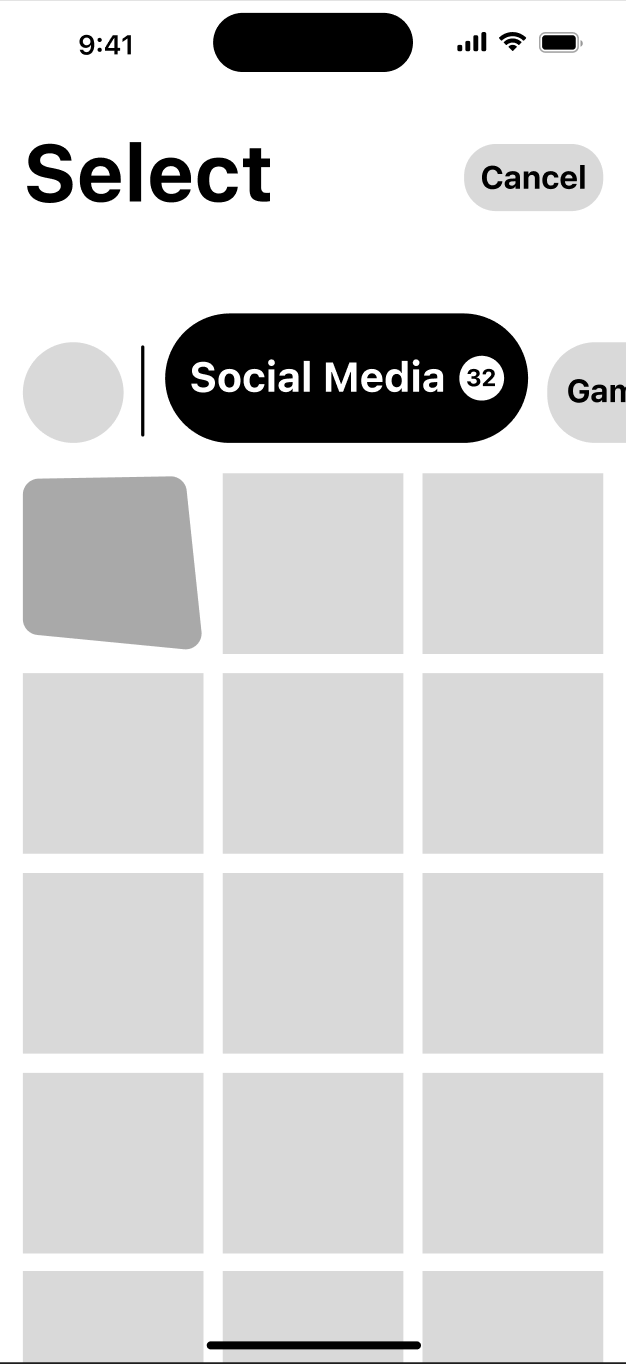
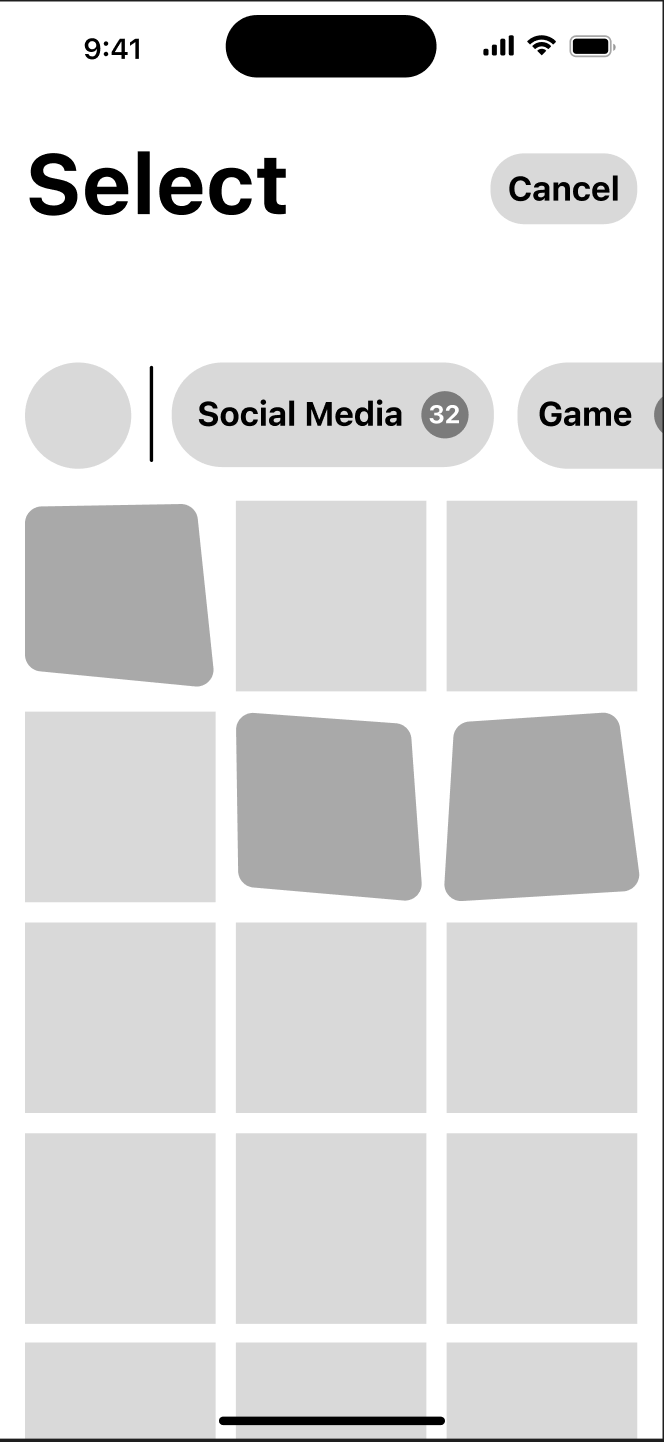
Low Fidelity Prototype
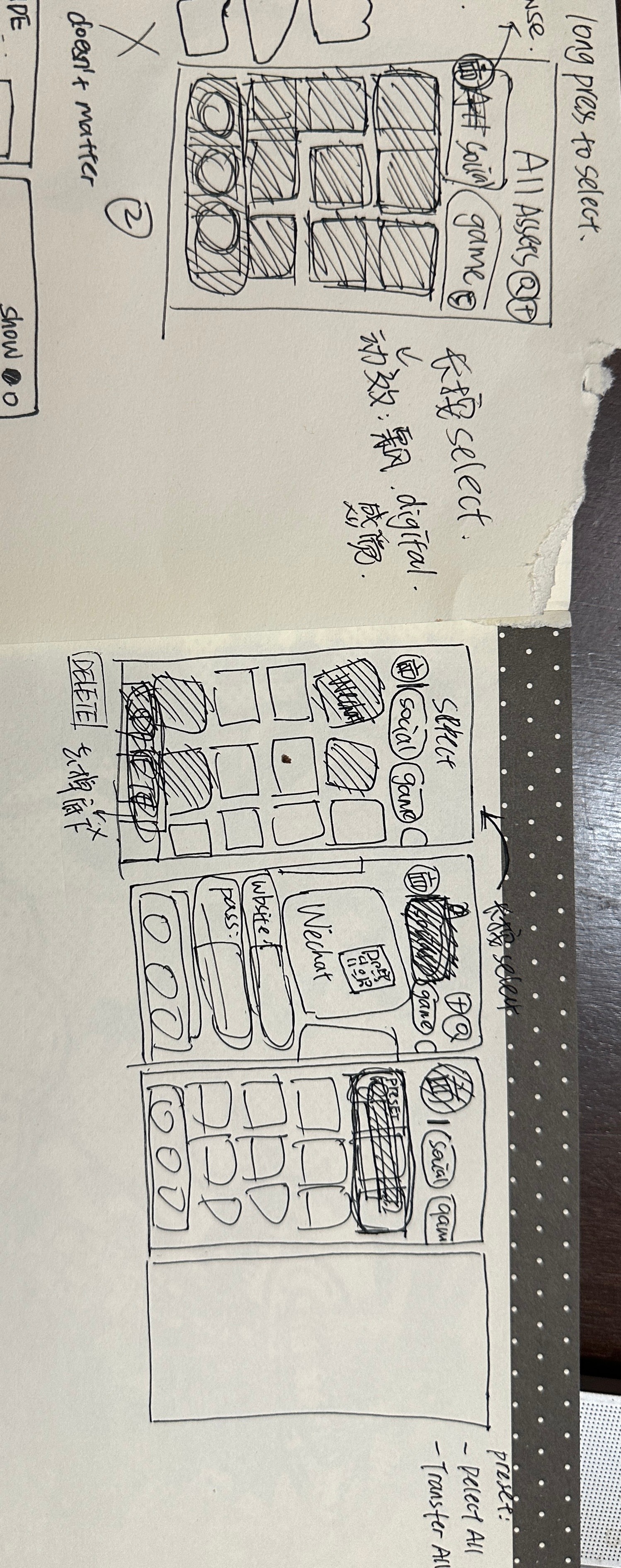
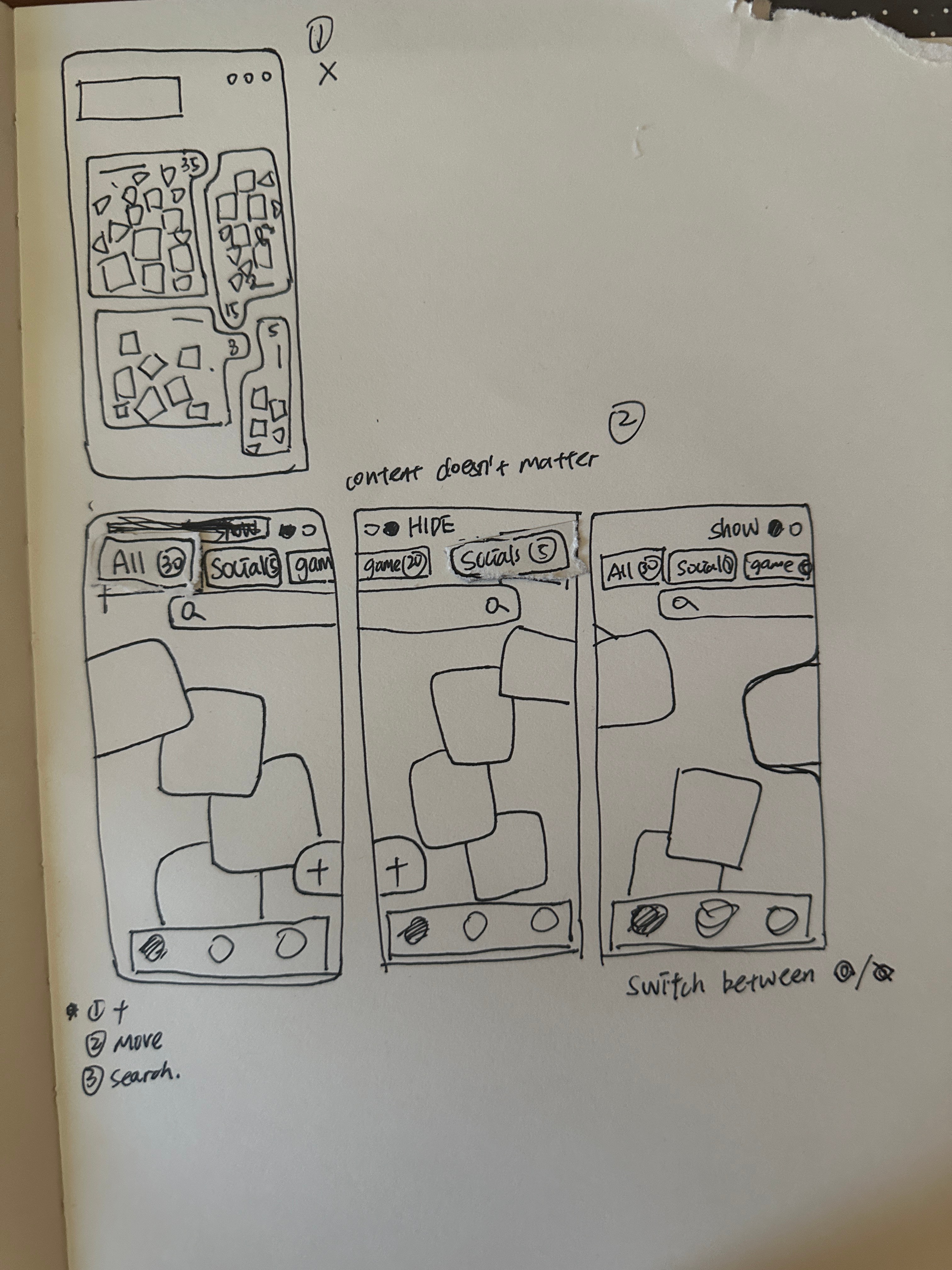
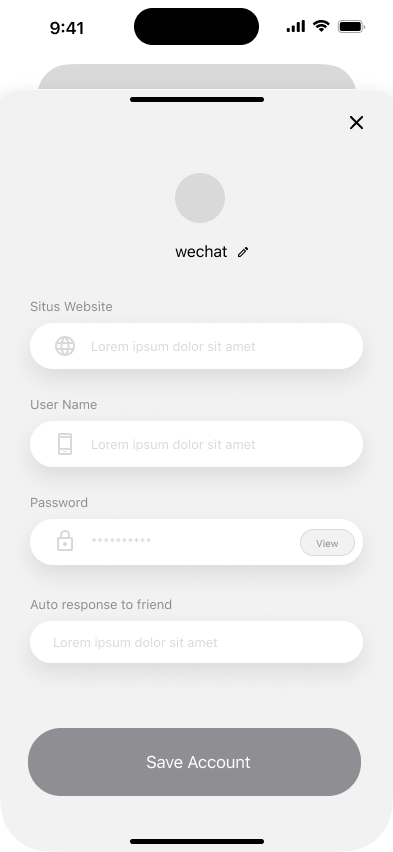
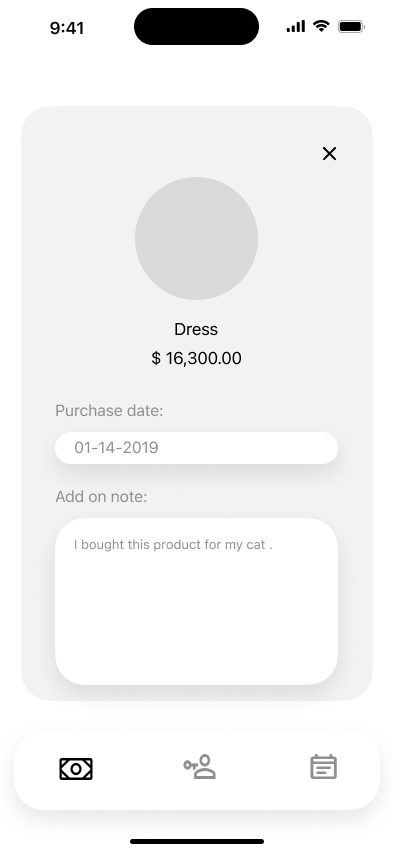
Stage 2
visual exploration
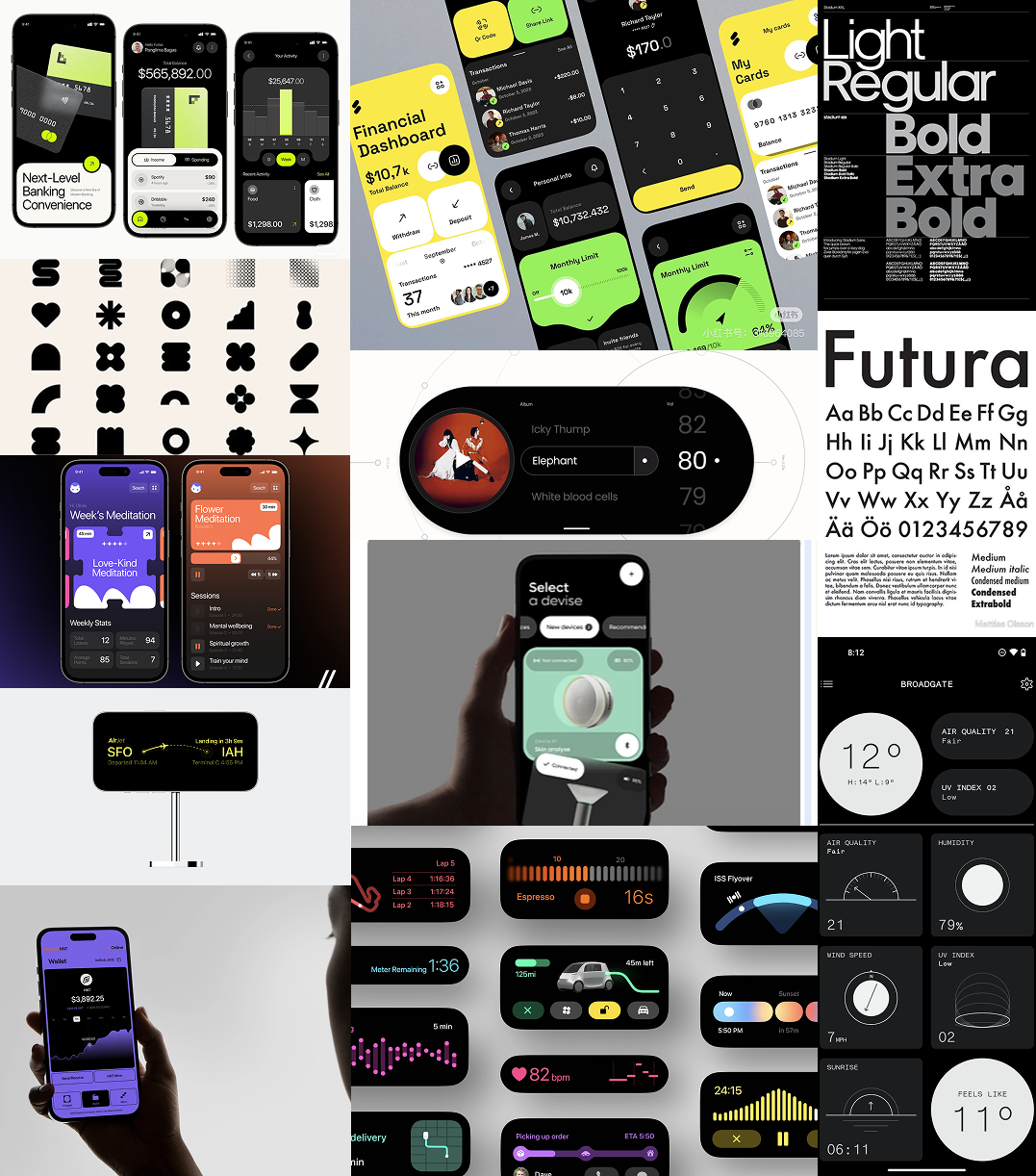
Brand Guidelines v1.0
Design Language
A comprehensive guide to the visual identity and design system for Reborn — modern, clear, concise, with stark contrast.
Design Principles
Core values that guide our design decisions
Modern
Clean, contemporary aesthetics with futuristic tech sensibility
Clear
Straightforward communication with minimal visual noise
Concise
Essential elements only, removing unnecessary complexity
Stark Contrast
High contrast ratios for maximum legibility and impact
Color Palette
Our color system creates stark contrast and visual hierarchy
Primary Black
HEX
#000000

RGB
0, 0, 0
Primary background color for main sections and cards
Neon Green
HEX
#00D37B
RGB
0, 211, 123
Primary accent color for CTAs, highlights, and interactive elements
Pure White
HEX
#ffffff
RGB
255, 255, 255
Primary text color and high-contrast elements
Dark Forest
HEX
#004628
RGB
0, 70, 40
Secondary accent, backgrounds for emphasis areas
Deep Green
HEX
#002918
RGB
0, 41, 24
Subtle backgrounds and layered elements
Typography
Clean, professional typography for optimal readability
Heading 1
Size
48px
Weight
600
Line Height
1.2
Main page titles and hero headings
Reborn
Heading 2
Size
36px
Weight
600
Line Height
1.3
Section headings and major divisions
Design System
Heading 3
Size
24px
Weight
500
Line Height
1.4
Subsection titles and card headers
Color Palette
Body Large
Size
18px
Weight
400
Line Height
1.6
Featured paragraphs and important content
Digital inheritance made simple
Body Regular
Size
16px
Weight
400
Line Height
1.6
Standard body text and descriptions
Standard interface text
Caption
Size
14px
Weight
400
Line Height
1.5
Labels, metadata, and secondary information
Supporting information
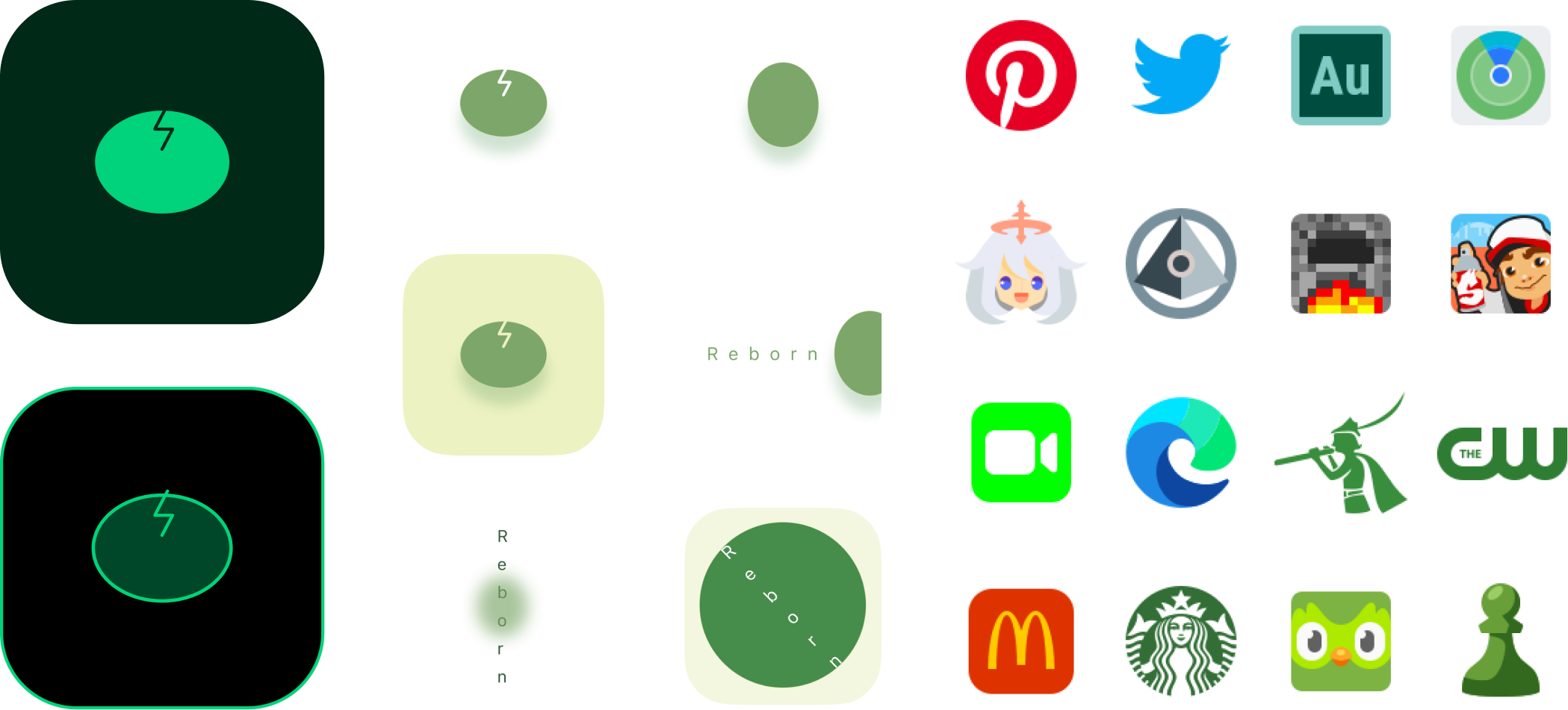
Logo & Iconography
Consistent icon style using Lucide React library
Stage 3
Prototype
Life prototyping
Browsing
Life prototyping
Select & Move
Learning 01
Designing for Trust

Creating clear systems for assigning digital assets and permissions to ensure users feel confident about how their legacy will be handled.
Key Takeaways

Learning 02
Translating Abstract Concepts into Interactions

Transforming the idea of a "digital afterlife" into understandable features such as asset designation, automation, and legacy actions.
Key Takeaways
Learning 03
System Thinking for Long-Term User Journeys

Designing workflows that consider future events, permissions, and automated actions rather than only immediate user interactions.
Key Takeaways
Learning 04
Designing for Sensitive Human Contexts

Balancing clarity, empathy, and control when designing experiences related to personal identity, memory, and end-of-life planning.
Key Takeaways
Research Methods
User Interviews
Competitive Analysis
Journey Mapping
Usability Testing
Design Principles
Trust-First Design
Progressive Disclosure
Empathetic Language
Clear Hierarchy
Tools & Techniques
Figma for Design
User Flow Diagrams
Prototyping
Design Systems
"Design for the future, with empathy for the present."
Reborn Case Study — 2026

Case Study Reflection
What I Learned
Key insights from designing Reborn — a digital inheritance platform that bridges the gap between present-day actions and future legacies.
4
Core Learnings
20+
Key Takeaways
8
Weeks of Research
6+
User Interviews

Featured Projects